On the App Store
Focal Three
Only three. Always visible.
A calm priority app for iPhone, iPad, Mac, and Apple Watch that keeps your three most important projects in front of you — without turning your day into another endless task list.
What it is
A focus surface, not another task list.
Focal Three is built around one constraint: at any moment, only three things deserve the front of your mind.
Most productivity tools reward capture. They make it easy to collect ten, twenty, or fifty things to think about, then leave you scanning a giant list every time you open the app. Focal Three is different. It is not where all of your work lives. It is the surface that decides what is visible.
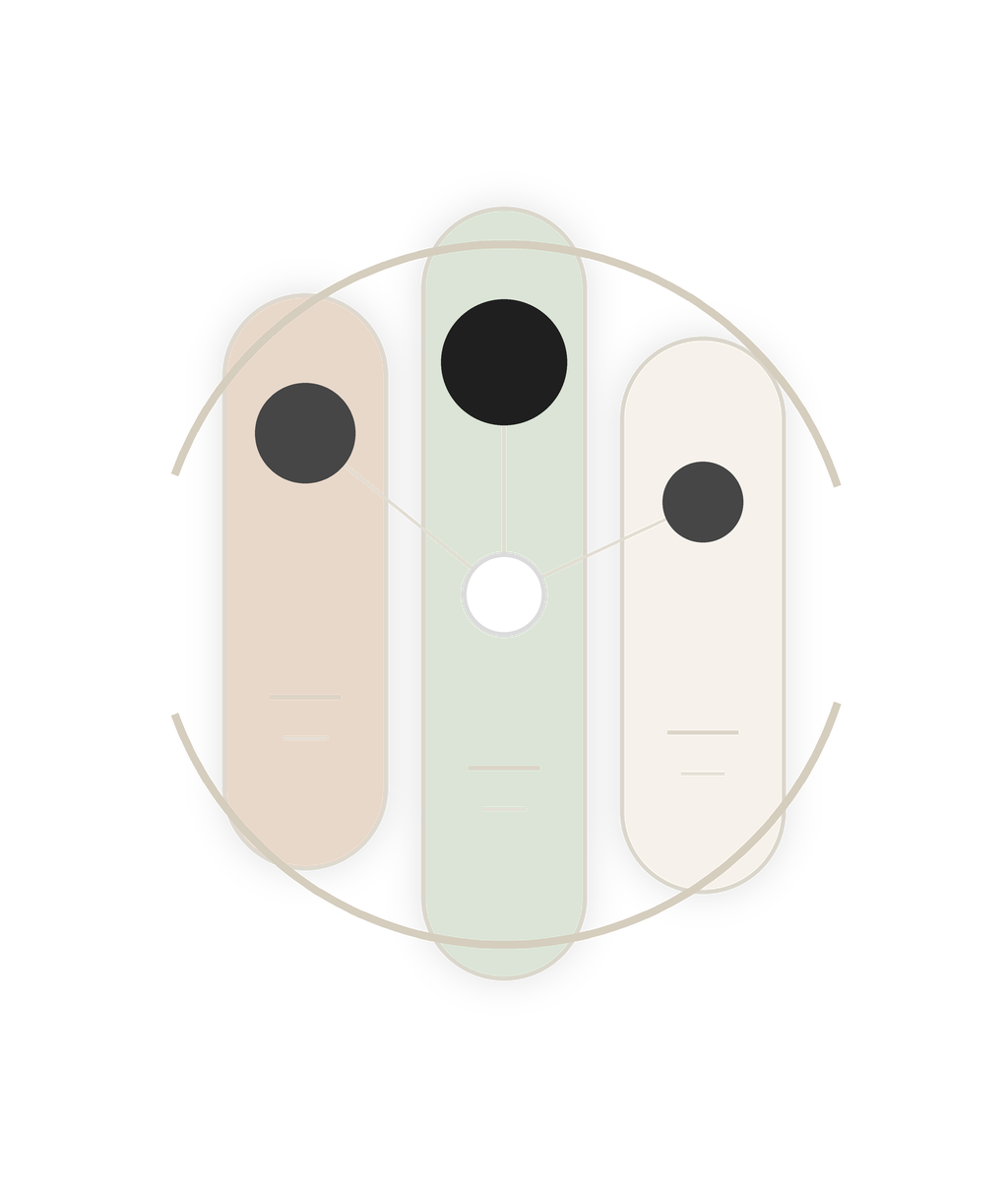
Create categories such as Work, Personal, Fun, House, or Someday. Each category has its own short list of projects, but only three can be promoted into the primary view. Those three appear as large, simple cards with just enough context — a title, a short description, and their order. Everything else stays below the fold.
The constraint
3
Three is the product.
The app should make it visually and emotionally difficult to promote a fourth thing. You can store more, but the interface keeps reminding you that the day only has room for three primary commitments.
The home screen is deliberately quiet. The visual language feels like a beautifully typeset index card, an editorial daily brief, or a minimalist compass. It should not feel like a database. It should feel like a desk with only three cards on it.
Six themes, one app
Six ways to see your three.
Each theme answers the same brief: keep the top three priorities in front of you, in a way calm enough to live with every day. Pick one. Live in it.
Finalize the Q3 roadmap proposal
Hire a senior backend engineer
Migrate auth to OAuth 2.1
Finalize the Q3 roadmap proposal
Hire a senior backend engineer
Migrate auth to OAuth 2.1
Surfaces
Most valuable when you're not managing it.
Focal Three is meant to be glanceable. Your three should be visible on the Mac desktop, the iPhone Home Screen, the iPad Lock Screen, StandBy, and a low-distraction e-ink display.
iPhone
Home Screen, Lock Screen, and StandBy widgets — your top three at a glance. A shortcut to set the day's focus.
iPad
A large dashboard widget. Split View alongside Calendar, Notes, or Safari. An optional full-screen focus board.
Mac
Desktop widget, menu bar quick view, keyboard shortcuts. An optional floating panel that sits above other windows.
TRMNL
A scheduled e-ink snapshot. A low-distraction view for the desk, office, or kitchen. Category-specific export target.
TRMNL companion
A quiet black-and-white daily brief, on e-ink.
Focal Three includes a configurable export target for TRMNL e-ink displays. A ready-made recipe renders a monochrome layout — masthead, three priorities, today's small commitments — whenever your top three changes. Designed for the 800 × 480 canvas: no notifications, no animation, just three things sitting calmly on a shelf.
Set it up in three steps
- Install the recipe: trmnl.com/recipes/385240, then pick your theme.
- Copy the recipe's webhook URL from your TRMNL dashboard.
- In Focal Three, open Settings → TRMNL, paste the URL, and choose a category. Your top three appears on the next refresh.
The Daily Brief
Finalize the Q3 roadmap
Exec summary still needed for Friday's deck.
Hire a backend engineer
Recruiter sync Wednesday morning.
OAuth 2.1 migration
Spike the token-refresh edge cases.
On the App Store
Focal Three
A calm priority board for the three things that matter most. Built natively for iPhone, iPad, Mac, and Apple Watch with iCloud sync.